What is a Programming Language?
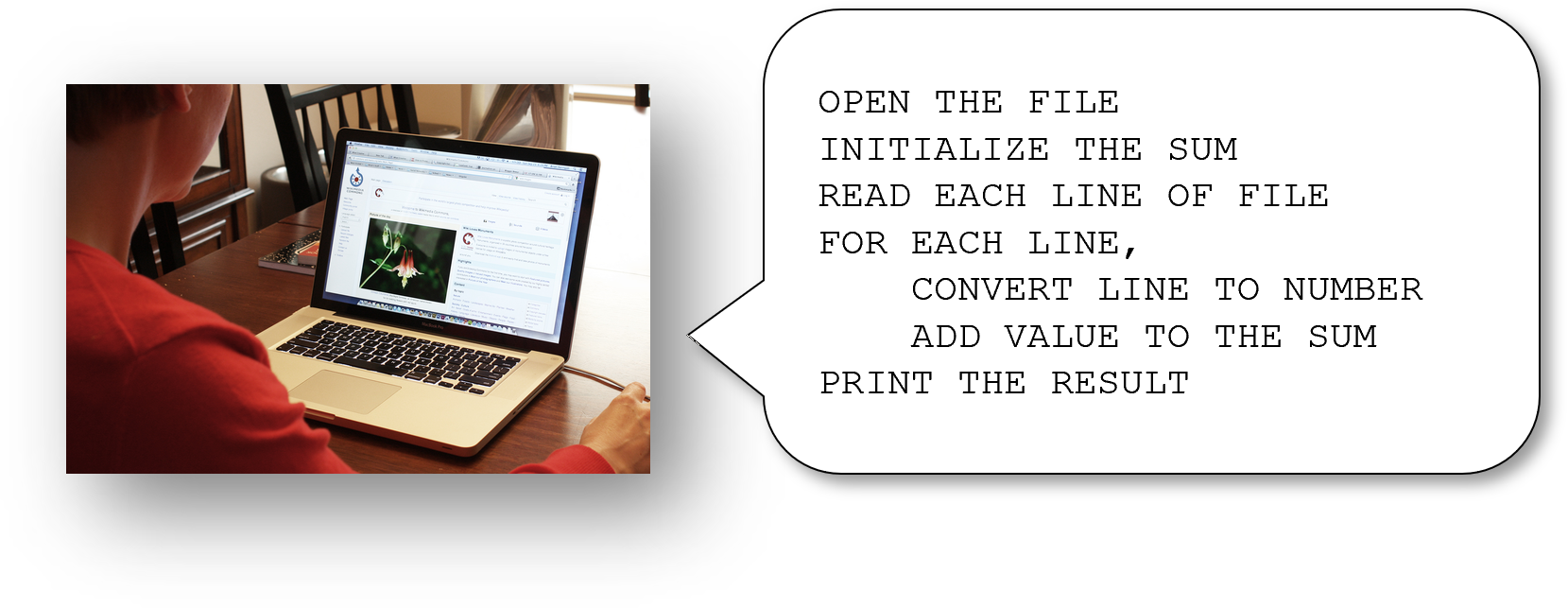
Photo: Woman using computer by Brian Kerrigan, CC BY-SA 3.0, via Wikimedia Commons.

Programs are created by writing instructions in a programming language, like how movie scripts are written in human spoken languages like English. Programming languages were created by computer scientists, to make it easy to write instructions that a computer can understand. A computer can then run these programs - if they are written correctly.
Python and Its Competition
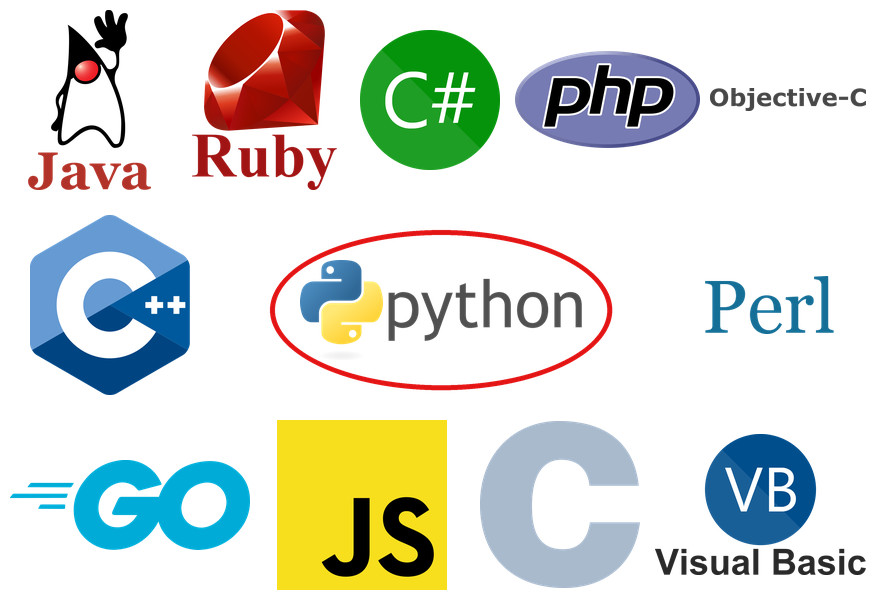
Logos: Duke, the Java mascot, Duke (Java mascot) waving, copyright Sun Microsystems Inc., BSD licence. The other logos are trademarks of their respective owners. Python and the Python logos are trademarks of the Python Software Foundation.
_waving.svg)
In this course, you are learning a programming language named Python. However, there are many programming languages out there. This diagram shows the symbols of a bunch of other possible programming languages that you could learn instead. You might be wondering why Python is a good language to learn if there are so many options.
Why Python?
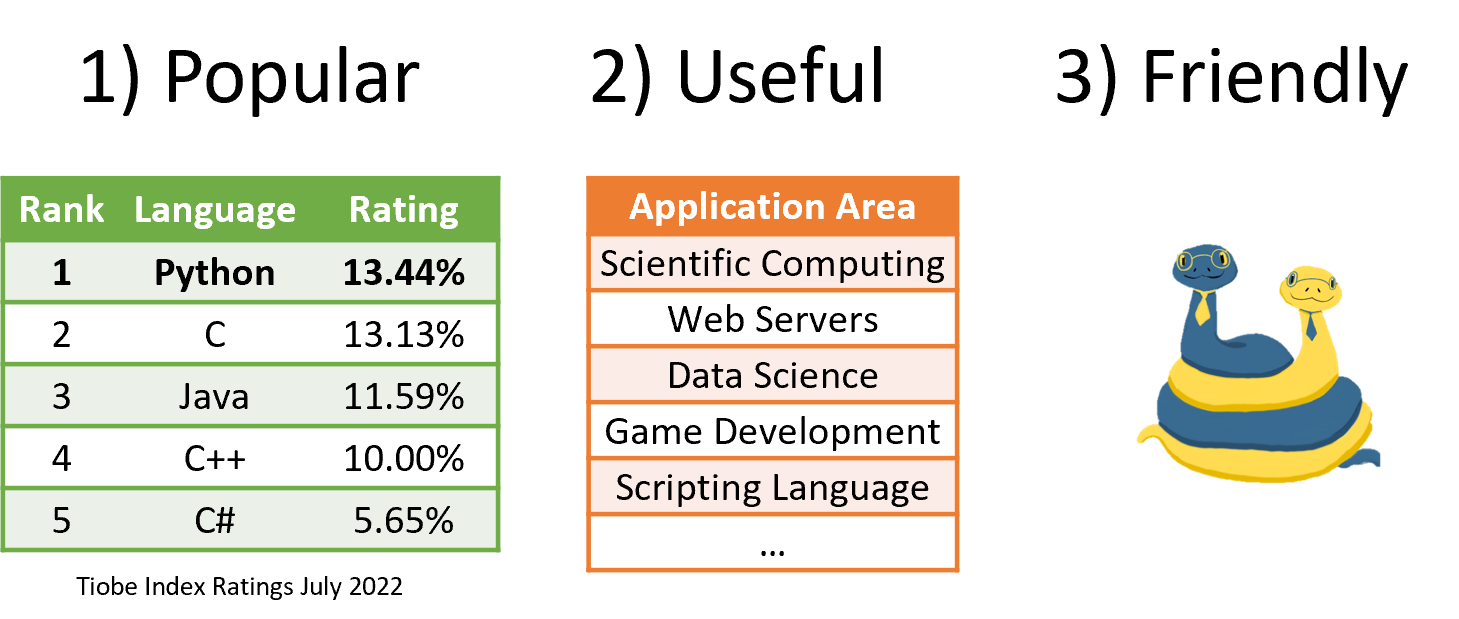
First, Python is one of the most popular languages in the world; in fact, according to some metrics, it might be THE most popular programming language in the world. Second, it has a huge number of tools that make it useful for a wide range of problems in scientific computing, data science, web development, and much more. Third, it is sometimes called a “friendly” language for beginners, because many people have found it easier to learn than other languages despite being so powerful.
Python is a Language and a Tool
- Python is a programming language.
- Python is a tool that runs programs.
Python is actually two things: First, as a programming language, Python is a set of rules for writing Python programs. Second, Python is also a program that can execute programs written according to the rules of the Python programming language. Therefore, we will sometimes refer to Python as a language, and sometimes refer to Python as a tool for running programs. Before we explain what it means to run a program, let us talk about programming languages a little more.
A Language for Instructions
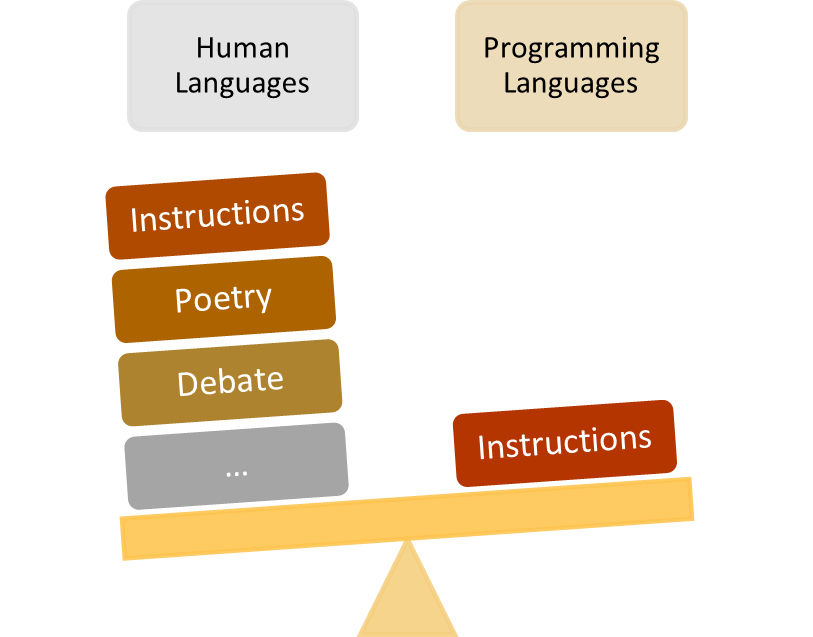
Human languages, like English or Spanish, can be used to talk about many complex ideas. However, programming languages are good for only one thing: giving instructions to a computer to solve a problem. We don’t use programming languages to talk to each other the same way we do human languages. That’s because programming languages have a small vocabulary and limited grammar.
A Small Language
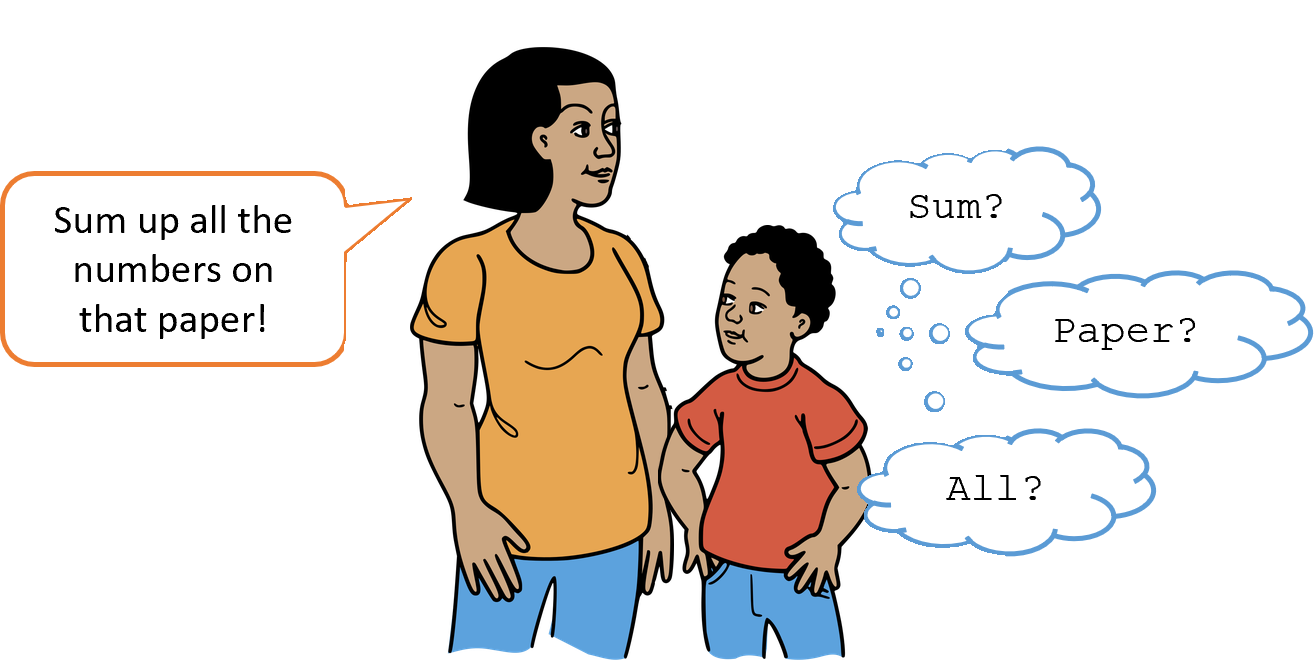
Imagine you’re giving commands to a very small child in English. The child only knows a few words. If they don’t know a word, you will have to explain new words to them using words they already understand. Programming languages are like this: you build new words using a small set of original words. Most words and ideas that we take for granted as smart humans are not usable in a programming language unless we add them ourselves based on existing words. Basically, you can never underestimate how little a computer will understand when it comes to a programming language.
Rules
- Syntax: grammar, spelling, punctuation
- Semantics: logic, making sense, intent
Programming languages have very strict rules. This is like how we have rules in English. There are two kinds of rules: syntax and semantics.
Syntax
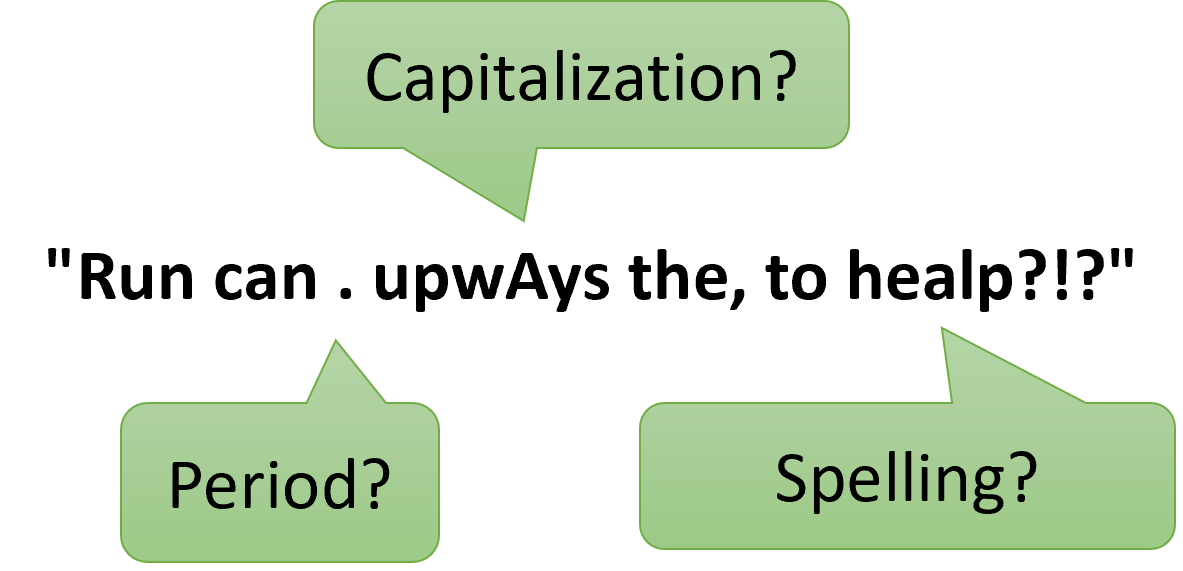
In English, we follow grammar rules about how we can structure our sentences. The sentence shown here is not grammatically correct English, so we would reject it. Similarly, in Python, we use symbols, spaces, and words in very precise ways. Using them incorrectly will give you a “syntax error.” You will probably make many syntax errors as you learn to program.
Semantics
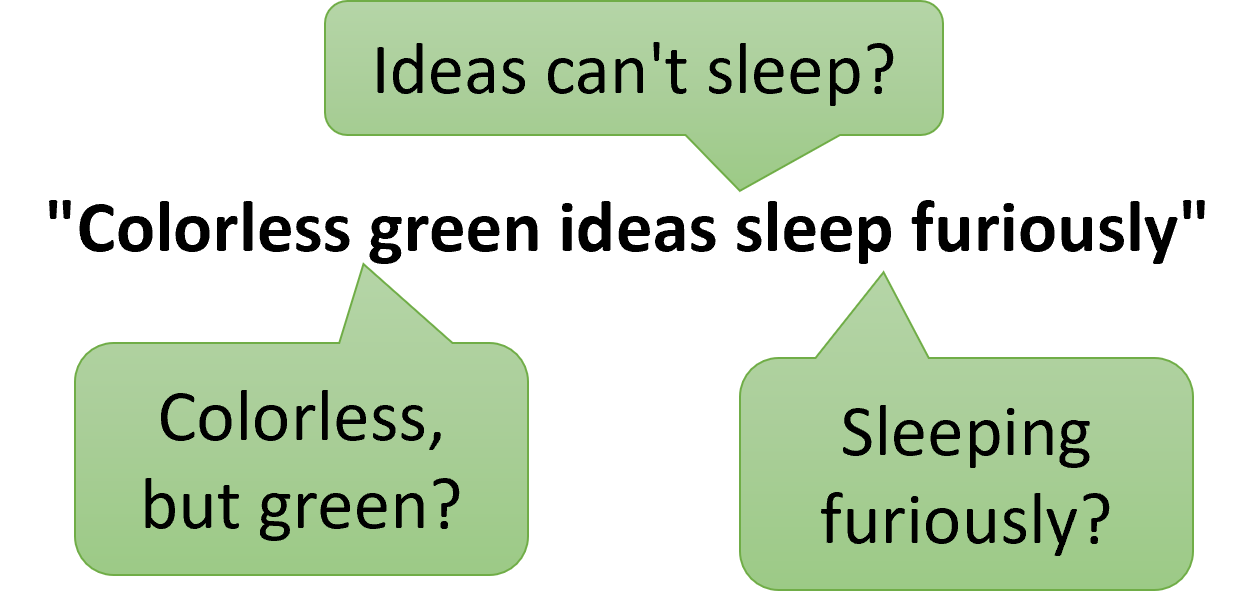
Although the sentence here follows grammar rules, it doesn’t make any sense. This is the idea of semantics - the rules concerned with meaning. It is very easy to write perfectly valid sentences in Python that accomplish nothing at best and hurt things at worst. You need to think critically when programming to recognize when you’ve written instructions that make no sense.
Programs are Text
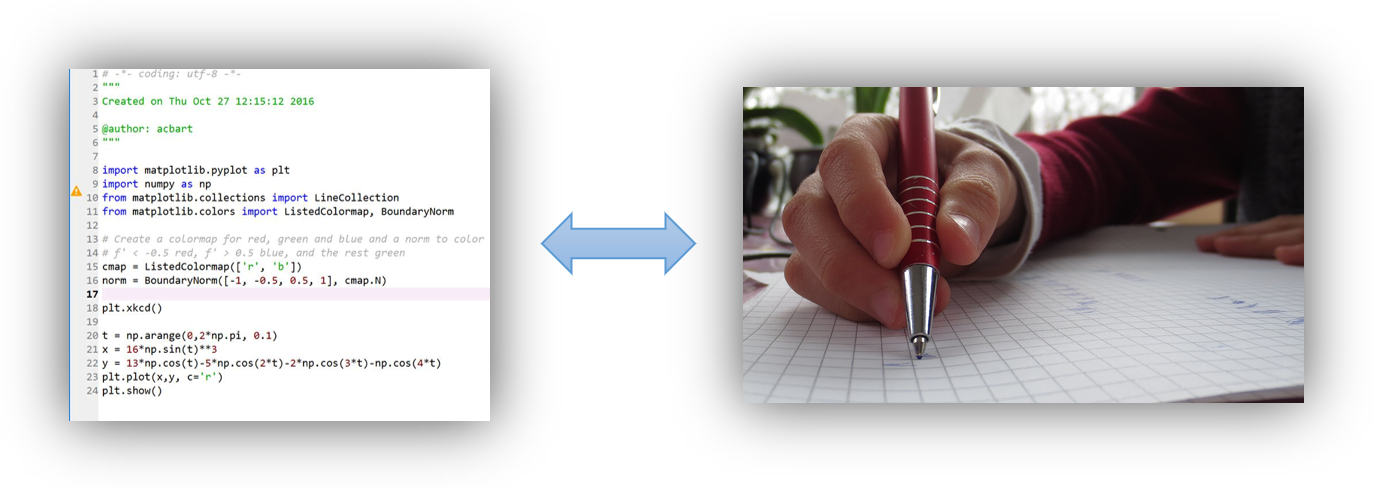
Photo: Schreiben mit Kugelschreiber by Mummelgrummel, CC BY-SA 3.0, via Wikimedia Commons.

When you write a Python program, you are just writing some text. That text needs to be valid Python text, following all its syntax rules. But that means it’s not that different from an essay you might write in your own language.
Executing a Program
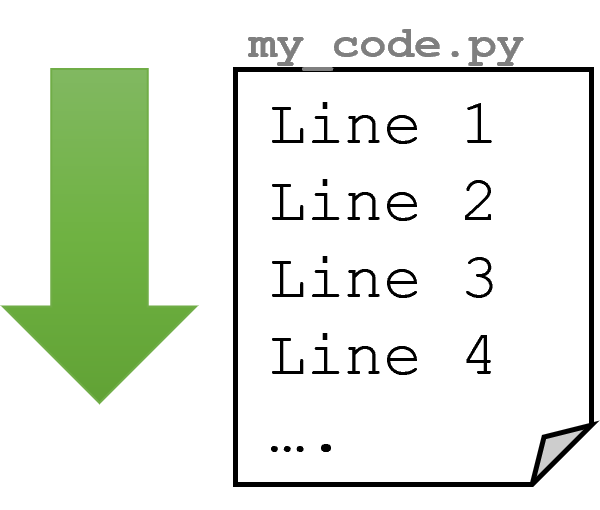
Once a program is written according to the Python language rules, the program can be executed. This means that the computer will read the text of the program line by line and perform each step. This is just like following the steps of a recipe or instructions; just like a human, the computer will do each step one at a time.
Terminology
- Run: Perform each step of a program line-by-line.
- Execute: Synonym for “run”.
- Kill: To stop a program.
When we want to use a program, we will say the program is “run” or “executed.” Either a program will end on its own, or we will have to stop it ourselves, which is sometimes referred to as “killing” a program.
Programming Environments
Technically, you can write programs in a text editor and then run them with Python separately. However, most programmers use a programming environment that makes it very easy to write programs and then press a single button to run them. Usually, running a program causes some kind of visual output, although this is not always guaranteed. On Dodona, you write your code directly in the exercise’s editor. To see its output for yourself, open the sandbox with To sandbox and press Run there; Submit sends your code to the judge.
Summary
Through this lesson, you learned that:
- By writing programs in a language like Python, programmers can give precise instructions that computers can execute.
- Python is a great language to learn because it is popular, relatively easy to learn, and yet powerful.