In the Programming course we will use the most recent version (3.13) of the Python programming language. You can download and install it for free on any operating system. We discuss the installation procedures in detail for Microsoft Windows, Linux and macOS.
Windows
There are several ways to install Python on Windows. One way is via the Microsoft Store:
-
Open the Microsoft Store
-
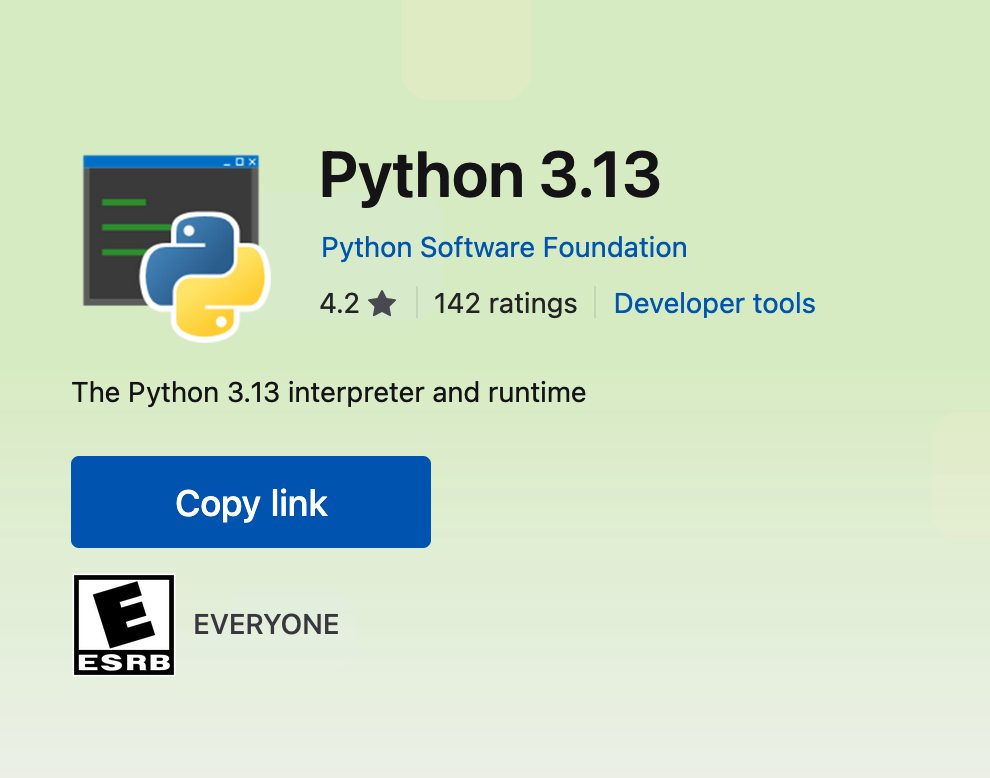
Look for Python and choose Python 3.13
-
Download and install.
Python 3.13 is now installed on your PC.
Alternative
If you do not succeed to install Python from the Microsoft Store, you can also download it directly from the python website. Once downloaded, you should only install it by double-clicking the downloaded file.
Ubuntu
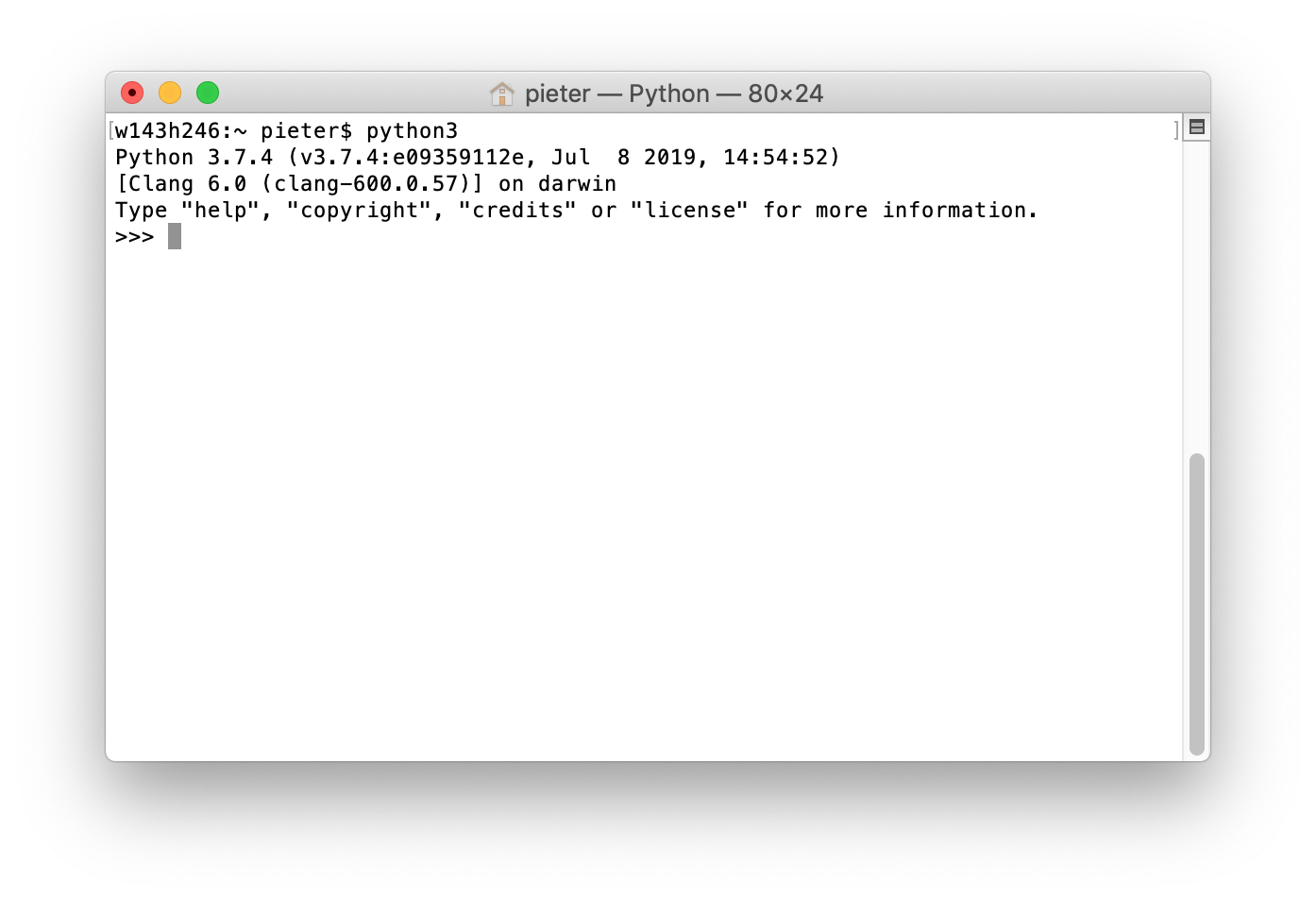
Python version 3 should already be available after installing a recent Ubuntu version. You can check this by opening a terminal window and executing the command python3.
macOS
Install the newest version of Python. For our purposes we will choose the standard Python installation available on python.org.
-
Go to the Python download page and click the download button.
-
Install the downloaded file.
-
Enter your password from the account on your local machine when you’re asked to do so.
-
You can run the newly installed version of Python by issuing the command
python3in a Terminal window.