Learning goals
- Explain how a
forloop repeats instructions.- Use
range()to choose how many times instructions repeat.- Use a loop to draw a shape with repeated turtle commands.
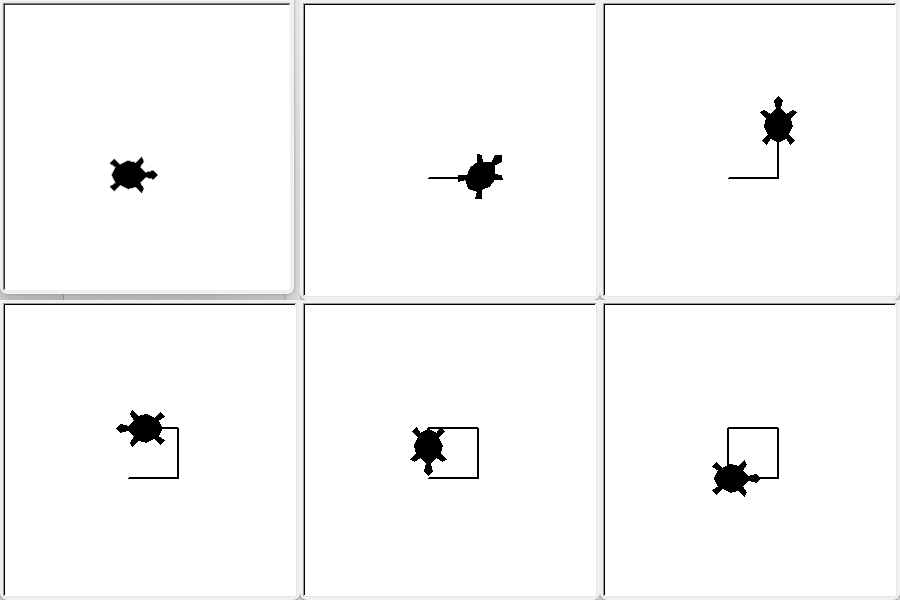
This example shows how to draw a square with a turtle. The turtle moves forward to draw one side, then turns left 90 degrees to get ready for the next side.
Without a loop, you would write the same two commands once for each side:
otto.forward(50)
otto.left(90)
otto.forward(50)
otto.left(90)
otto.forward(50)
otto.left(90)
otto.forward(50)
otto.left(90)
This loop does the same thing: it makes the turtle draw four sides and turn after each side:
for i in range(4):
    otto.forward(50)
    otto.left(90)
When a turtle drawing uses the same commands many times, a loop can repeat them for you. Computers are good at repeating actions. A for loop runs the indented instructions once for each item or number in a group.
Both versions draw the same square. The loop is better here because it is shorter and avoids repeating commands. If you want to change how far the turtle moves or how many sides it draws, you only need to change the loop instead of editing each repeated command.
range(4) is like a counter that gives the numbers 0, 1, 2 and 3. The loop runs once for each of these numbers, so the indented lines repeat four times. Here, each repetition draws one side of a square.
The loop ends when a line starts at the left edge again. That line is no longer part of the loop.
Counting starts at 0
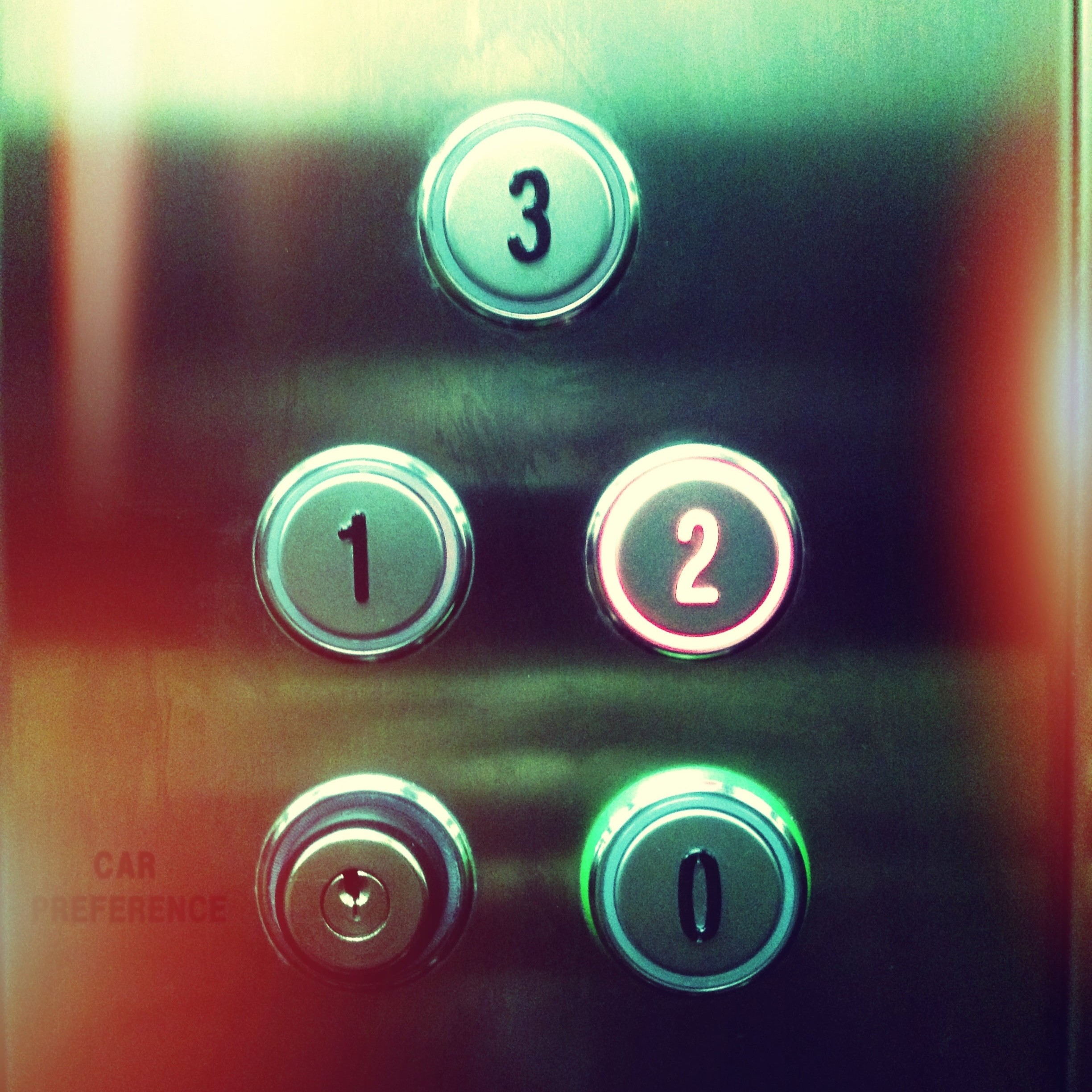
In Python, counting often starts at 0 instead of 1. Think of an elevator: the ground floor is often called floor 0. So
range(4)gives four numbers, starting at 0 and ending at 3.
The name i is the loop variable. It holds the current number from range(4): 0 in the first repetition, 1 in the second, and so on. The letter i is a common short name for index, which is the position in the sequence. This loop does not use the value of i, but a for loop always needs a variable name. You can choose another name, such as side, if that is clearer.
Example: drawing a square with a for loop
You can combine moving and turning to draw a shape. This program draws a square with a for loop:
import turtle as otto

for i in range(4):
    otto.forward(50)
    otto.left(90)
What happens in this program?
import turtle as ottoloads the turtle module and lets you refer to it with the short nameotto.for i in range(4):repeats the indented instructions 4 times, once for each side of the square.otto.forward(50)moves the turtle 50 units forward and draws a line, because the pen is down.otto.left(90)turns the turtle 90 degrees to the left, so it is ready to draw the next side.After four repetitions, the turtle has drawn four sides of equal length with four right angles. It is back at its starting position and facing its starting direction.
Summary
| Idea | What it means |
|---|---|
for loop |
Repeats a group of instructions. |
range(4) |
Gives four numbers for a loop to use. |
| Indentation | Shows which instructions belong inside the loop. |