Phases of a Program
- Input
- Processing
- Output
Every program has three main phases. First, input data is given to the program. Second, the data is processed. Third, the data is output in some way to the user. Inputs and Outputs are how we connect programs to the real world.
Programming Is Like Baking
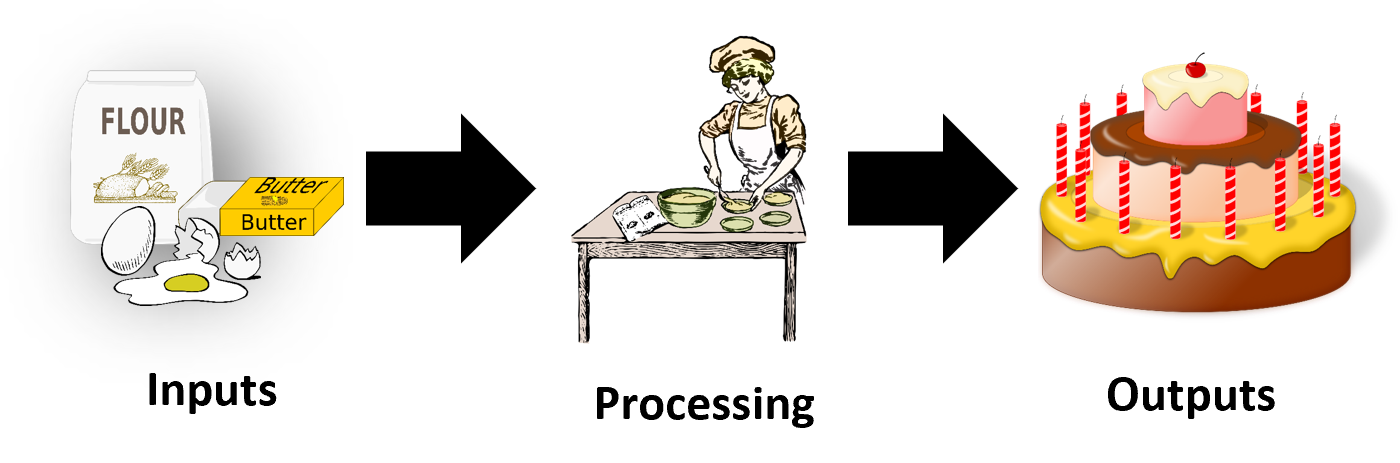
Think of it like baking. The inputs are your ingredients. Mixing and stirring are the processing. Then, the cake is your output.
Inputs
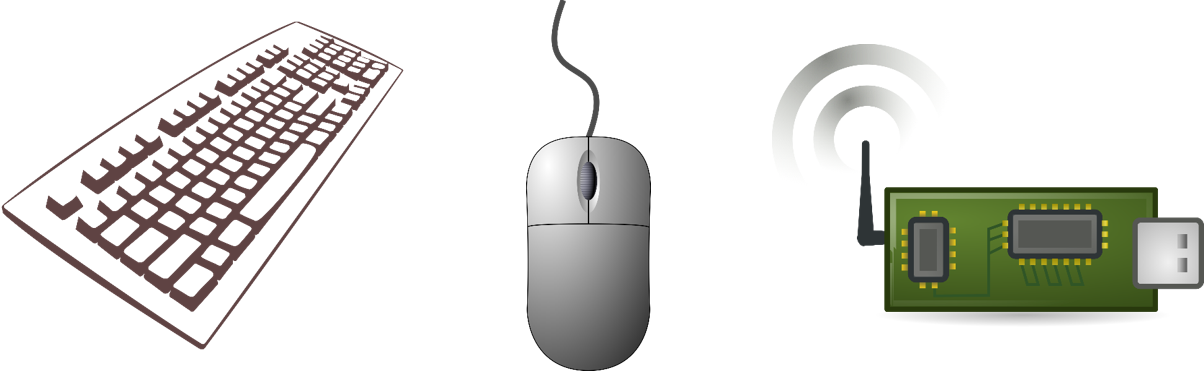
Examples of input are data typed by a keyboard, movements made by your mouse, data from the internet, and data from sensors.
Processing
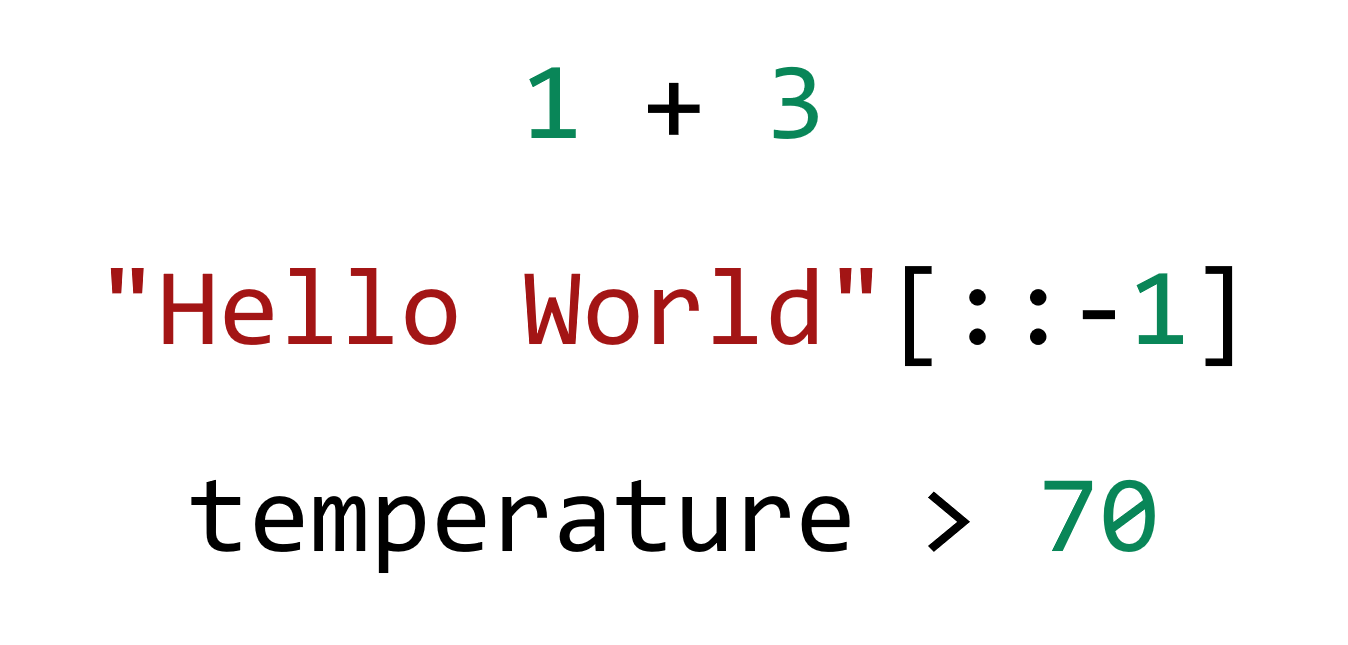
Examples of processing are operations that do math, manipulate text, and make logical queries.
Outputs
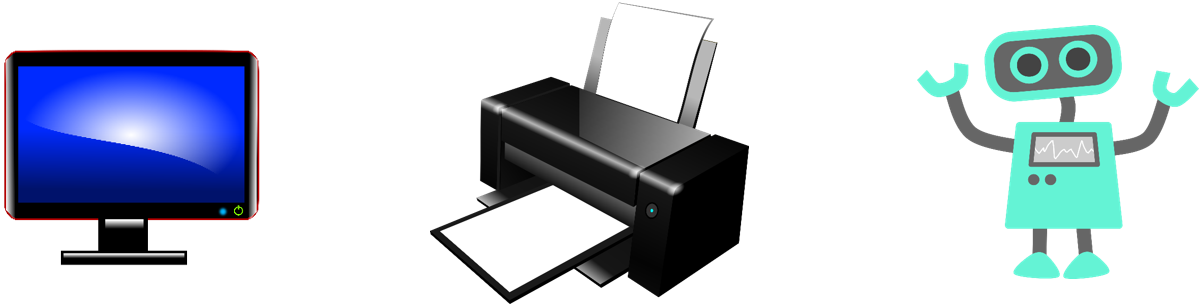
Examples of output are pixels on your screen, paper out of your printer, or the movement of a robotic arm.
Code
input: A function to get data from the userprint: A function to give data to the user
Computers take in data from users and put out results. To transform the inputs into the outputs, we write instructions as code. The instructions that we write are often stored in a program, so that they can be reused. This is what “programs” or “code” really are. Now let’s learn how to write a very simple program by learning two basic commands (which we will also call “functions”):
The input command will let us get information from the user.
The print command will let us report information to the user.
Let us take a look at what these commands look like in our very first, simple programs.
print("This text will be shown to the user")
The print function lets you write information to users.
Printing is necessary because we cannot see “inside” the mind of the computer when a program runs.
For now, the only thing we end up seeing is the result of whatever we print.
Notice that there is some text between the parentheses: this is the text that is output to the user.
Try running this program. Run the code and verify the message that “printed” on the console. You can think of the console as like a messenger box, for sending and receiving data to and from the computer. Every time you run this program, the exact same text will be written in the console by the computer.
Input
favorite_color = input("What is your favorite color?")
print("Your favorite color is", favorite_color)
The input function lets you get information from users.
The code here demonstrates incorporating the input function along with print.
Try running the program.
Notice that once again there is text between parentheses asking for their favorite color.
That text will be shown as a prompt to the user in the console.
The user will be able to type their answer and press Enter.
On the second line, we used the print function to print out that same information.
Without that print, this program would only ask the user for their color, without ever reporting anything back at the end.
While not a very big program, this is a demonstration of the input-processing-output workflow that every program will have.
The Goal of Programs
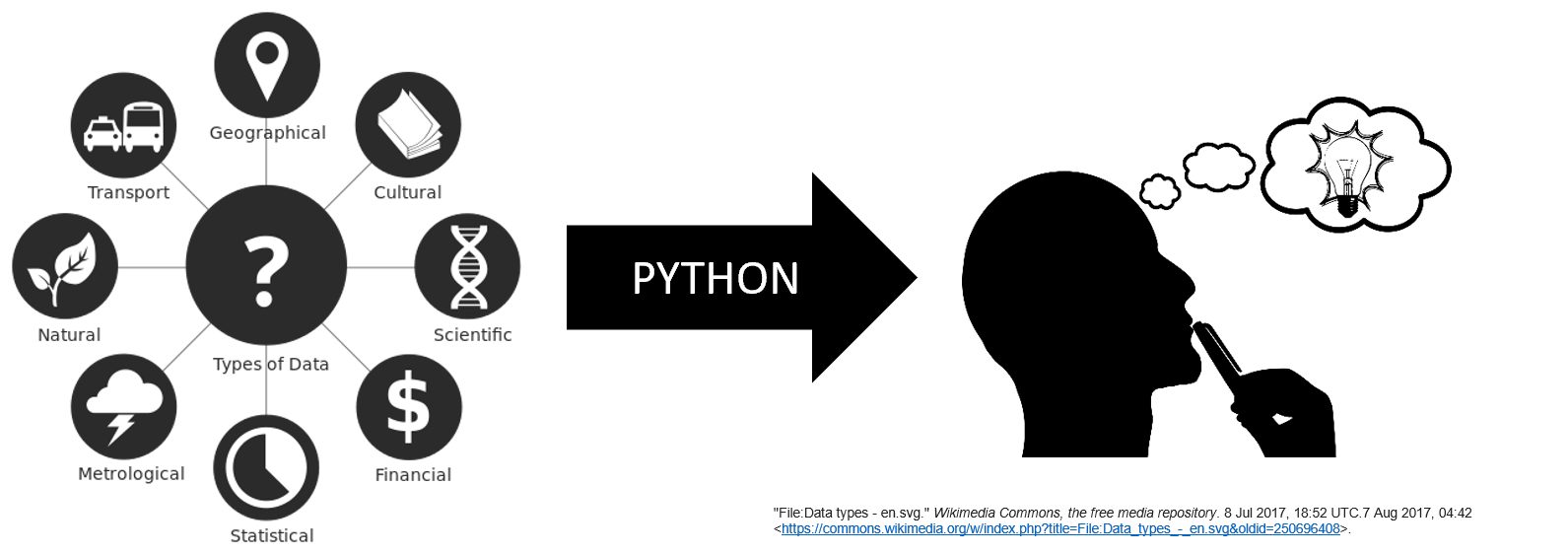
The goal of any program is to transform the input data into the desired outputs. For now, our programs will have simple inputs and simple outputs that work through the console. But eventually, we will create complex code that can achieve great things. For example, you could have the user speak into a microphone, with their instructions translated into the movement of a robot. Or, have the user input recent weather data in order to create the output of future weather predictions.
Remember: The goal of almost any program is to process input data into the appropriate output on behalf of a user. You should always think about your programs in terms of how they help a user achieve some goal. Keeping humans at the center of the development process is often essential to making software that helps people.
Summary
- Every program can be broken down into the stages of taking input, processing the data, and then presenting output.
- The terminal, also known as a console, is one of the simplest places for the input and output to occur.
- In Python, we use the
inputandprintfunctions to interact with the terminal from our programs. - Eventually, we will build much more sophisticated programs that have other ways of interacting with the user.